DOTS 정리 (2) - Unity Job 시스템 시작하기
학습 참고 문서
/posts/unity-manual-job-system-2023-3
공식 Sample Project 링크
https://github.com/Unity-Technologies/EntityComponentSystemSamples/tree/master
멀티코어 CPU를 활용하기 위해 Job을 사용하는 기본적인 방법
STEP
싱글 스레드 잡을 생성, 예약, 완료
병렬 잡을 생성, 예약, 완료
다른 잡에 종속되는 잡을 예약
NativeArrays를 사용
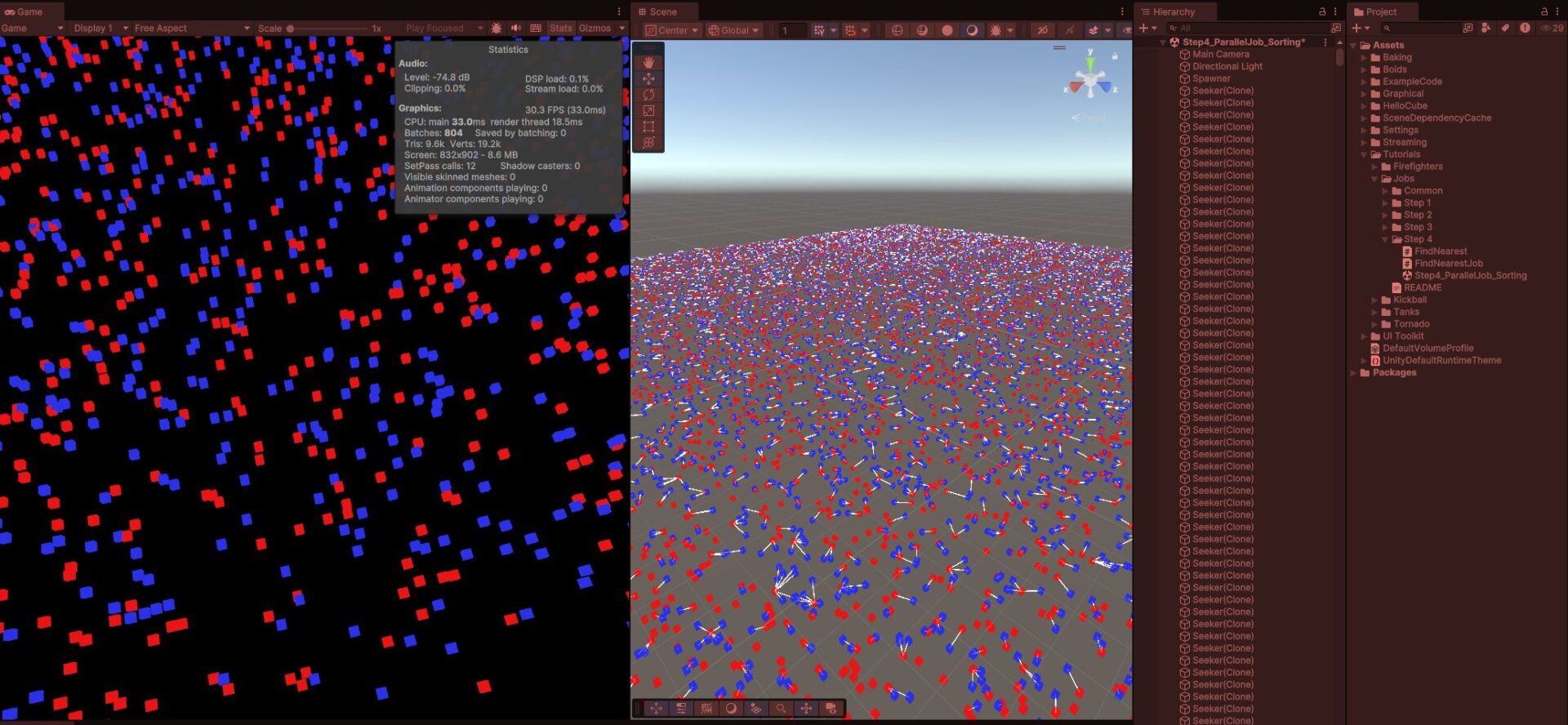
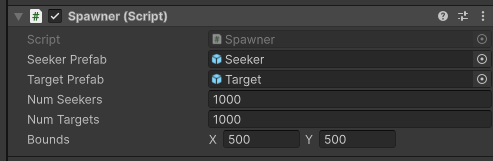
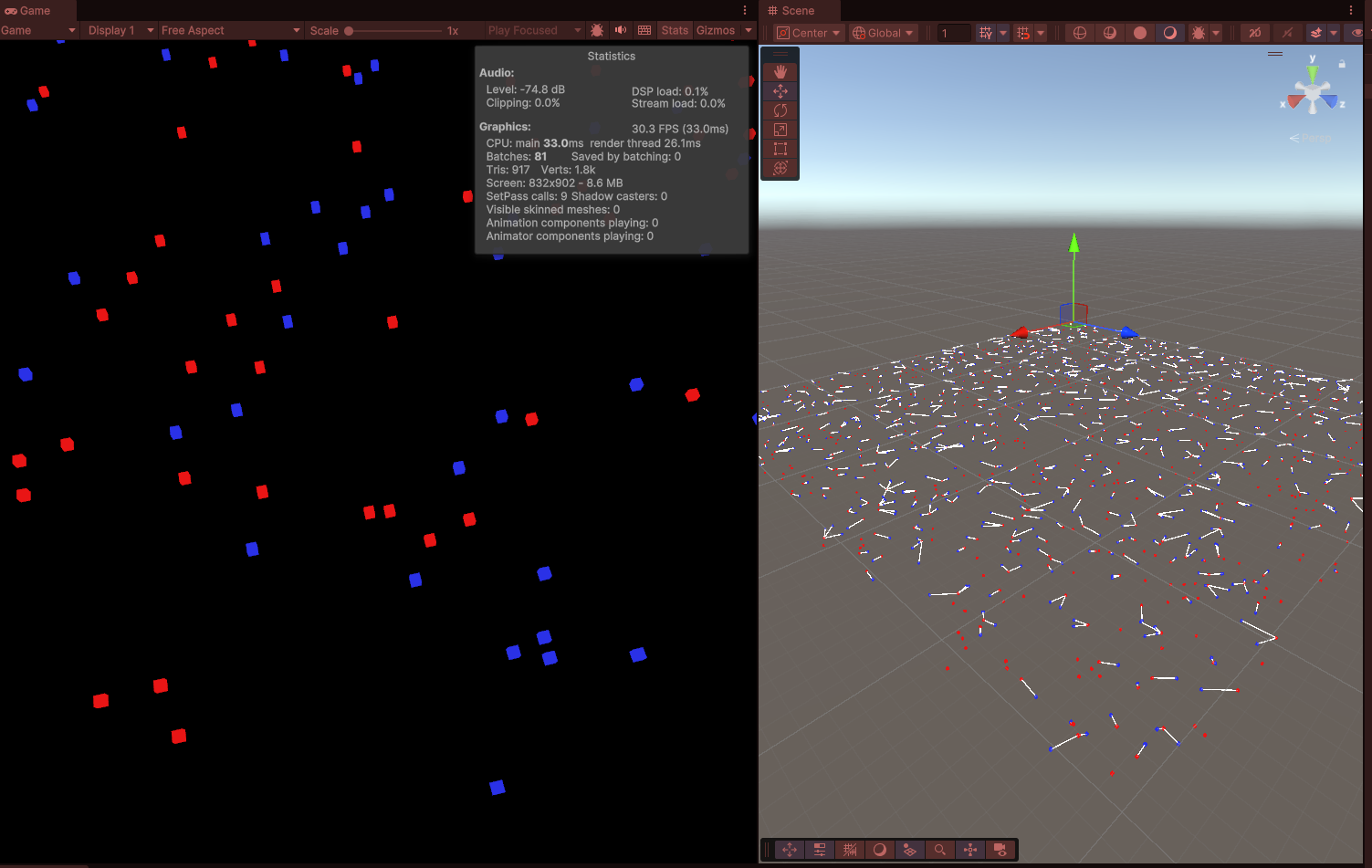
파란 큐브와 빨간 큐브를 각각 Seeker와 Target으로 정하고 각Seeker은 가장 가까운 Target으로 이어지는 디버그 라인을 추가합니다.
각 Step은 서로 다른 방식으로 문제를 해결하여 Step마다 성능 비교를 할 수 있습니다.
SeekerPrefab의 인스턴스를 생성 -> 2D 평면을 따라 무작위 방향과 무작위 위치를 설정 ->
Target도 동일한 방식으로 생성 -> 모든 Seeker와 Target의 트랜스폼을 정적 배열에 할당하여
FindNearest 스크립트에서 액세스하여 Update()
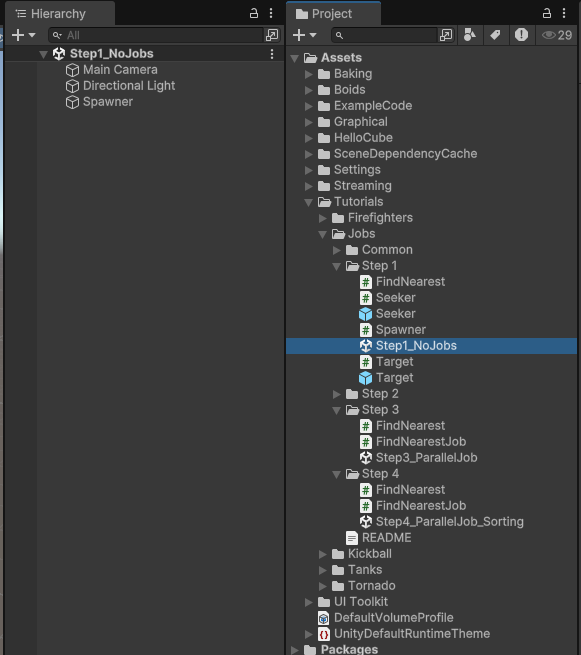
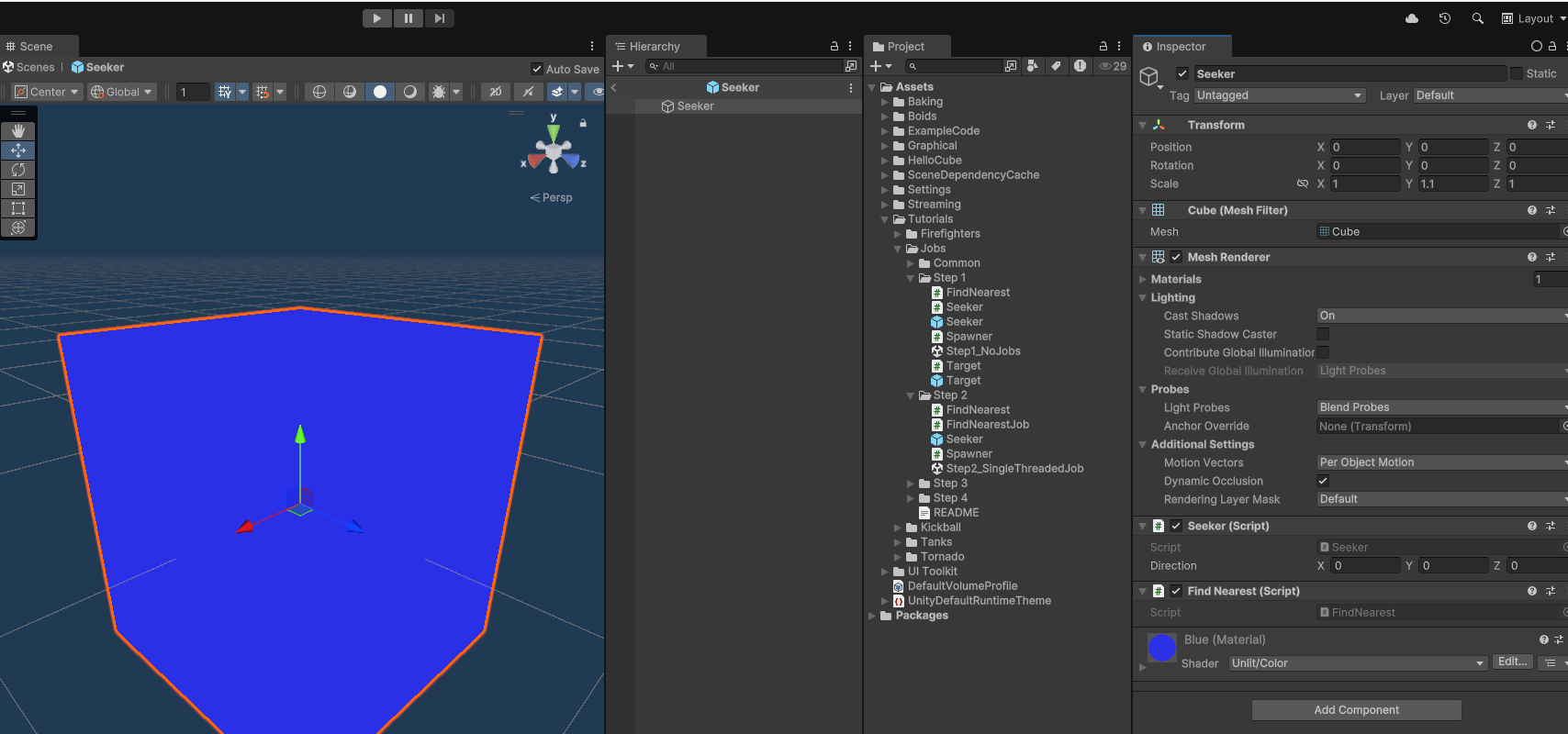
Step 1. Scene - No Job
일반적인 브루트 포스 순회 방법, 각 Seeker 마다 모든 Target과의 거리를 확인
Spawner.cs
using UnityEngine;

namespace Tutorials.Jobs.Step1
{
    public class Spawner : MonoBehaviour
    {
        // The set of targets is fixed, so rather than
        // retrieve the targets every frame, we'll cache
        // their transforms in this field.
        public static Transform[] TargetTransforms;

        public GameObject SeekerPrefab;
        public GameObject TargetPrefab;
        public int NumSeekers;
        public int NumTargets;
        public Vector2 Bounds;

        public void Start()
        {
            Random.InitState(123);

            for (int i = 0; i < NumSeekers; i++)
            {
                GameObject go = GameObject.Instantiate(SeekerPrefab);
                Seeker seeker = go.GetComponent<Seeker>();
                Vector2 dir = Random.insideUnitCircle;
                seeker.Direction = new Vector3(dir.x, 0, dir.y);
                go.transform.localPosition = new Vector3(
                    Random.Range(0, Bounds.x), 0, Random.Range(0, Bounds.y));
            }

            TargetTransforms = new Transform[NumTargets];
            for (int i = 0; i < NumTargets; i++)
            {
                GameObject go = GameObject.Instantiate(TargetPrefab);
                Target target = go.GetComponent<Target>();
                Vector2 dir = Random.insideUnitCircle;
                target.Direction = new Vector3(dir.x, 0, dir.y);
                TargetTransforms[i] = go.transform;
                go.transform.localPosition = new Vector3(
                    Random.Range(0, Bounds.x), 0, Random.Range(0, Bounds.y));
            }
        }
    }
}
Seeker.cs
using UnityEngine;

namespace Tutorials.Jobs.Step1
{
    public class Seeker : MonoBehaviour
    {
        public Vector3 Direction;

        public void Update()
        {
            transform.localPosition += Direction * Time.deltaTime;
        }
    }
}
Target.cs
using UnityEngine;

namespace Tutorials.Jobs.Step1
{
    public class Target : MonoBehaviour
    {
        public Vector3 Direction;

        public void Update()
        {
            transform.localPosition += Direction * Time.deltaTime;
        }
    }
}
FindNearest.cs
using UnityEngine;

namespace Tutorials.Jobs.Step1
{
    public class FindNearest : MonoBehaviour
    {
        public void Update()
        {
            // Find nearest Target.
            // When comparing distances, it's cheaper to compare
            // the squares of the distances because doing so
            // avoids computing square roots.
            Vector3 nearestTargetPosition = default;
            float nearestDistSq = float.MaxValue;
            foreach (var targetTransform in Spawner.TargetTransforms)
            {
                Vector3 offset = targetTransform.localPosition - transform.localPosition;
                float distSq = offset.sqrMagnitude;
                if (distSq < nearestDistSq)
                {
                    nearestDistSq = distSq;
                    nearestTargetPosition = targetTransform.localPosition;
                }
            }

            Debug.DrawLine(transform.localPosition, nearestTargetPosition);
        }
    }
}
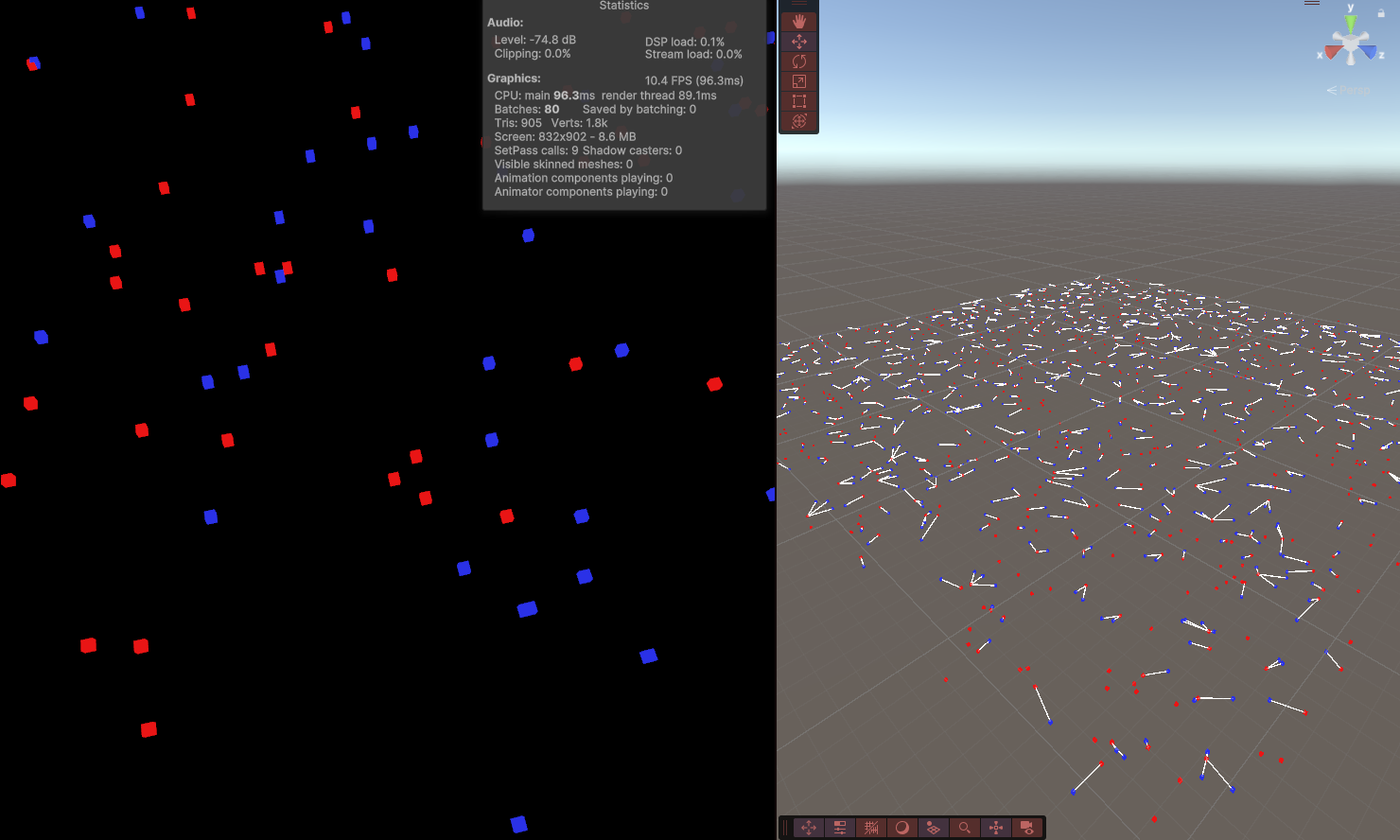
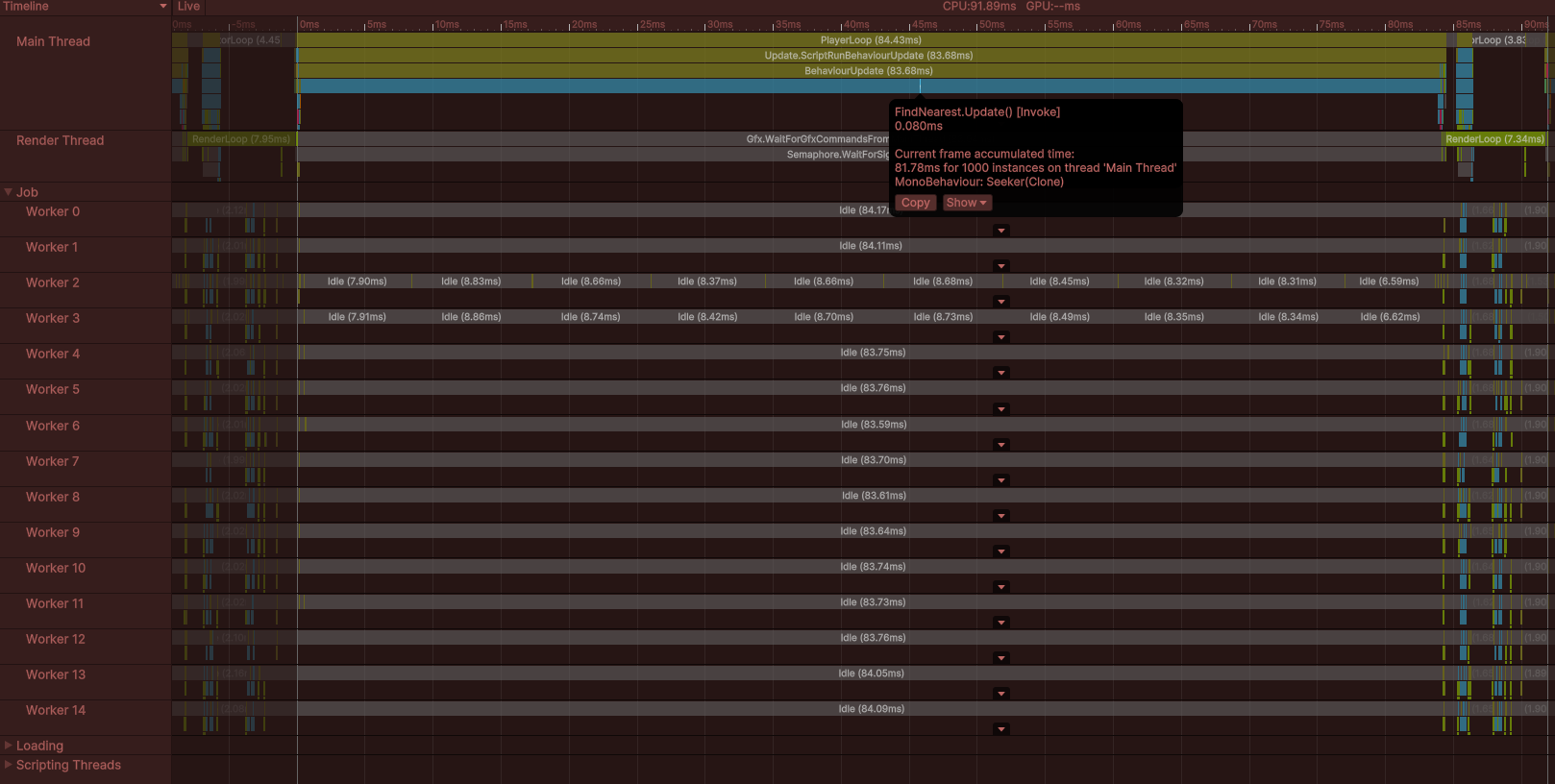
Seeker의 1000개의 FindNearest가 Update()를 수행하면서 약 82ms를 프레임마다 실행 (개당 0.082ms)
Step 2. Scene - SingleThreadedJob
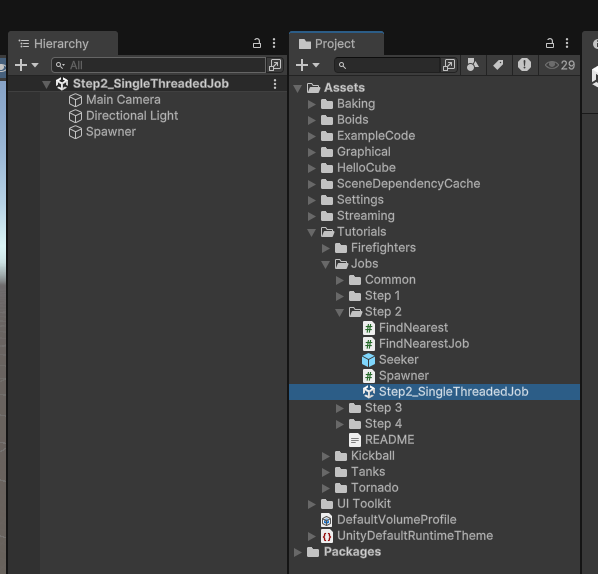
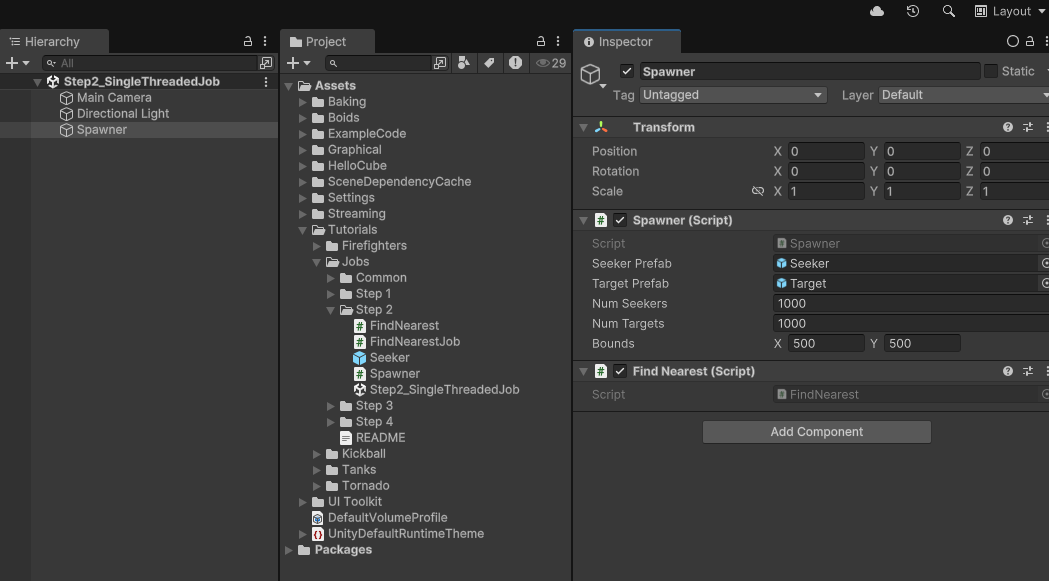
일반적인 브루트 포스 순회 방법, 하나의 FindNearest에서 Target과의 거리를 확인
Spawner.cs
using UnityEngine;
using Seeker = Tutorials.Jobs.Step1.Seeker;
using Target = Tutorials.Jobs.Step1.Target;

namespace Tutorials.Jobs.Step2
{
    public class Spawner : MonoBehaviour
    {
        public static Transform[] TargetTransforms;

        // Cache the seeker transforms.
        public static Transform[] SeekerTransforms;

        public GameObject SeekerPrefab;
        public GameObject TargetPrefab;
        public int NumSeekers;
        public int NumTargets;
        public Vector2 Bounds;

        public void Start()
        {
            Random.InitState(123);

            SeekerTransforms = new Transform[NumSeekers];
            for (int i = 0; i < NumSeekers; i++)
            {
                GameObject go = GameObject.Instantiate(SeekerPrefab);
                Seeker seeker = go.GetComponent<Seeker>();
                Vector2 dir = Random.insideUnitCircle;
                seeker.Direction = new Vector3(dir.x, 0, dir.y);
                SeekerTransforms[i] = go.transform;
                go.transform.localPosition = new Vector3(
                    Random.Range(0, Bounds.x), 0, Random.Range(0, Bounds.y));
            }

            TargetTransforms = new Transform[NumTargets];
            for (int i = 0; i < NumTargets; i++)
            {
                GameObject go = GameObject.Instantiate(TargetPrefab);
                Target target = go.GetComponent<Target>();
                Vector2 dir = Random.insideUnitCircle;
                target.Direction = new Vector3(dir.x, 0, dir.y);
                TargetTransforms[i] = go.transform;
                go.transform.localPosition = new Vector3(
                    Random.Range(0, Bounds.x), 0, Random.Range(0, Bounds.y));
            }
        }
    }
}
FindNearest.cs
using Unity.Collections;
using Unity.Jobs;
using Unity.Mathematics;
using UnityEngine;

namespace Tutorials.Jobs.Step2
{
    public class FindNearest : MonoBehaviour
    {
        // The size of our arrays does not need to vary, so rather than create
        // new arrays every field, we'll create the arrays in Awake() and store them
        // in these fields.
        NativeArray<float3> TargetPositions;
        NativeArray<float3> SeekerPositions;
        NativeArray<float3> NearestTargetPositions;

        public void Start()
        {
            Spawner spawner = Object.FindFirstObjectByType<Spawner>();
            // We use the Persistent allocator because these arrays must
            // exist for the run of the program.
            TargetPositions = new NativeArray<float3>(spawner.NumTargets, Allocator.Persistent);
            SeekerPositions = new NativeArray<float3>(spawner.NumSeekers, Allocator.Persistent);
            NearestTargetPositions = new NativeArray<float3>(spawner.NumSeekers, Allocator.Persistent);
        }

        // We are responsible for disposing of our allocations
        // when we no longer need them.
        public void OnDestroy()
        {
            TargetPositions.Dispose();
            SeekerPositions.Dispose();
            NearestTargetPositions.Dispose();
        }

        public void Update()
        {
            // Copy every target transform to a NativeArray.
            for (int i = 0; i < TargetPositions.Length; i++)
            {
                // Vector3 is implicitly converted to float3
                TargetPositions[i] = Spawner.TargetTransforms[i].localPosition;
            }

            // Copy every seeker transform to a NativeArray.
            for (int i = 0; i < SeekerPositions.Length; i++)
            {
                // Vector3 is implicitly converted to float3
                SeekerPositions[i] = Spawner.SeekerTransforms[i].localPosition;
            }

            // To schedule a job, we first need to create an instance and populate its fields.
            FindNearestJob findJob = new FindNearestJob
            {
                TargetPositions = TargetPositions,
                SeekerPositions = SeekerPositions,
                NearestTargetPositions = NearestTargetPositions,
            };

            // Schedule() puts the job instance on the job queue.
            JobHandle findHandle = findJob.Schedule();

            // The Complete method will not return until the job represented by
            // the handle finishes execution. Effectively, the main thread waits
            // here until the job is done.
            findHandle.Complete();

            // Draw a debug line from each seeker to its nearest target.
            for (int i = 0; i < SeekerPositions.Length; i++)
            {
                // float3 is implicitly converted to Vector3
                Debug.DrawLine(SeekerPositions[i], NearestTargetPositions[i]);
            }
        }
    }
}
FindNearestJob.cs
using Unity.Burst;
using Unity.Collections;
using Unity.Jobs;

// We'll use Unity.Mathematics.float3 instead of Vector3,
// and we'll use Unity.Mathematics.math.distancesq instead of Vector3.sqrMagnitude.
using Unity.Mathematics;

namespace Tutorials.Jobs.Step2
{
    // Include the BurstCompile attribute to Burst compile the job.
    [BurstCompile]
    public struct FindNearestJob : IJob
    {
        // All of the data which a job will access should
        // be included in its fields. In this case, the job needs
        // three arrays of float3.

        // Array and collection fields that are only read in
        // the job should be marked with the ReadOnly attribute.
        // Although not strictly necessary in this case, marking data
        // as ReadOnly may allow the job scheduler to safely run
        // more jobs concurrently with each other.
        // (See the "Intro to jobs" for more detail.)

        [ReadOnly] public NativeArray<float3> TargetPositions;
        [ReadOnly] public NativeArray<float3> SeekerPositions;

        // For SeekerPositions[i], we will assign the nearest
        // target position to NearestTargetPositions[i].
        public NativeArray<float3> NearestTargetPositions;

        // 'Execute' is the only method of the IJob interface.
        // When a worker thread executes the job, it calls this method.
        public void Execute()
        {
            // Compute the square distance from each seeker to every target.
            for (int i = 0; i < SeekerPositions.Length; i++)
            {
                float3 seekerPos = SeekerPositions[i];
                float nearestDistSq = float.MaxValue;
                for (int j = 0; j < TargetPositions.Length; j++)
                {
                    float3 targetPos = TargetPositions[j];
                    float distSq = math.distancesq(seekerPos, targetPos);
                    if (distSq < nearestDistSq)
                    {
                        nearestDistSq = distSq;
                        NearestTargetPositions[i] = targetPos;
                    }
                }
            }
        }
    }
}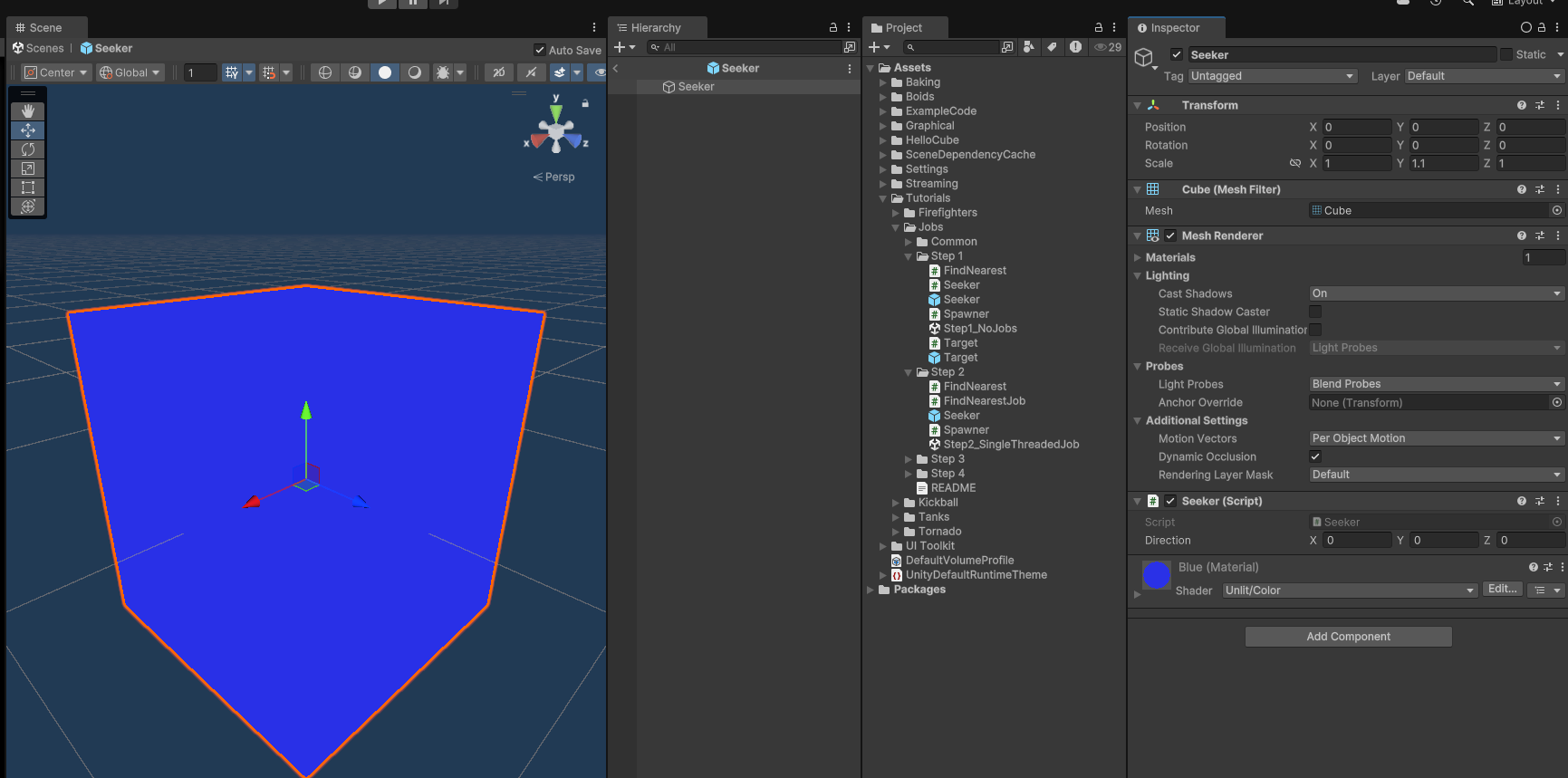
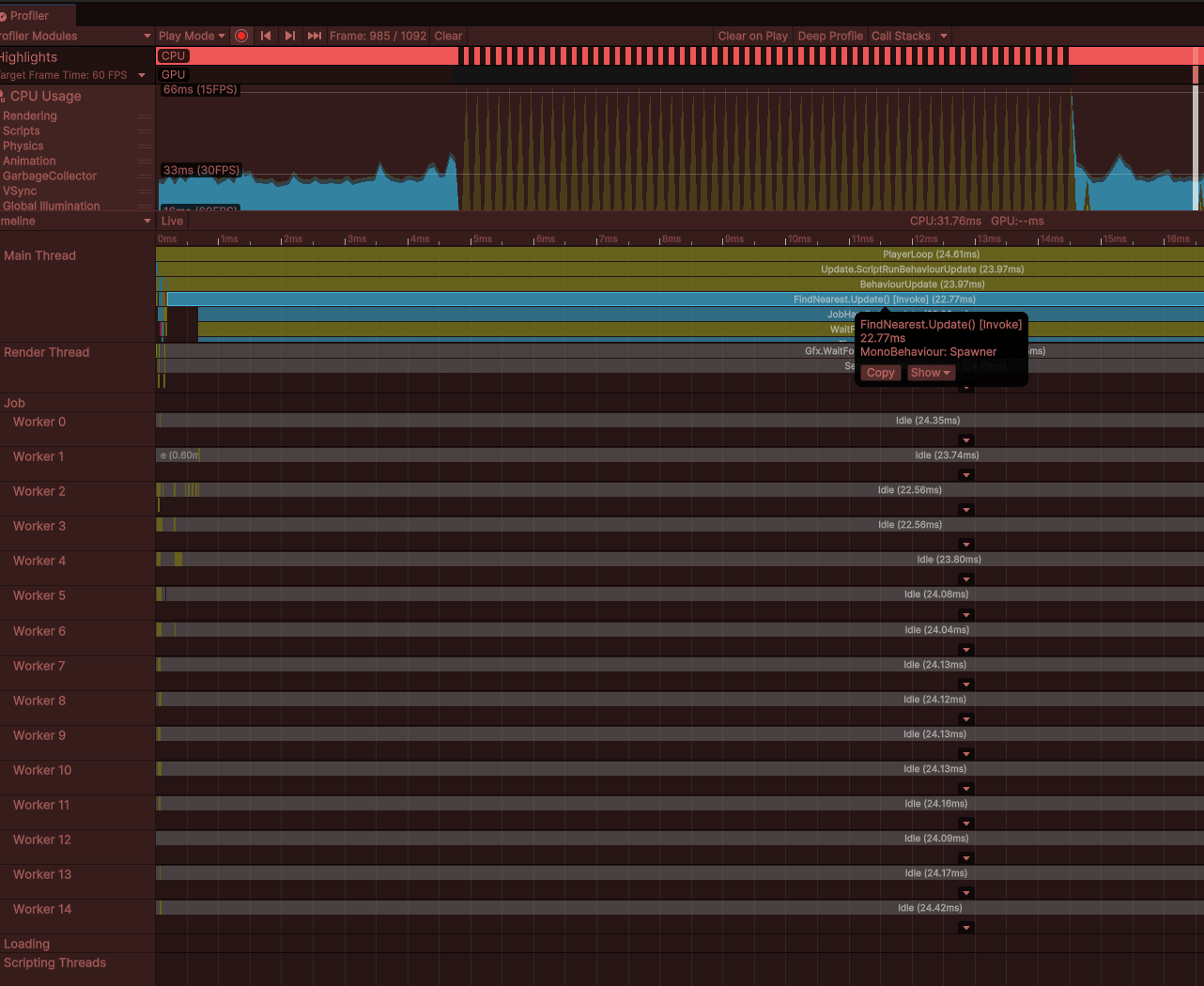
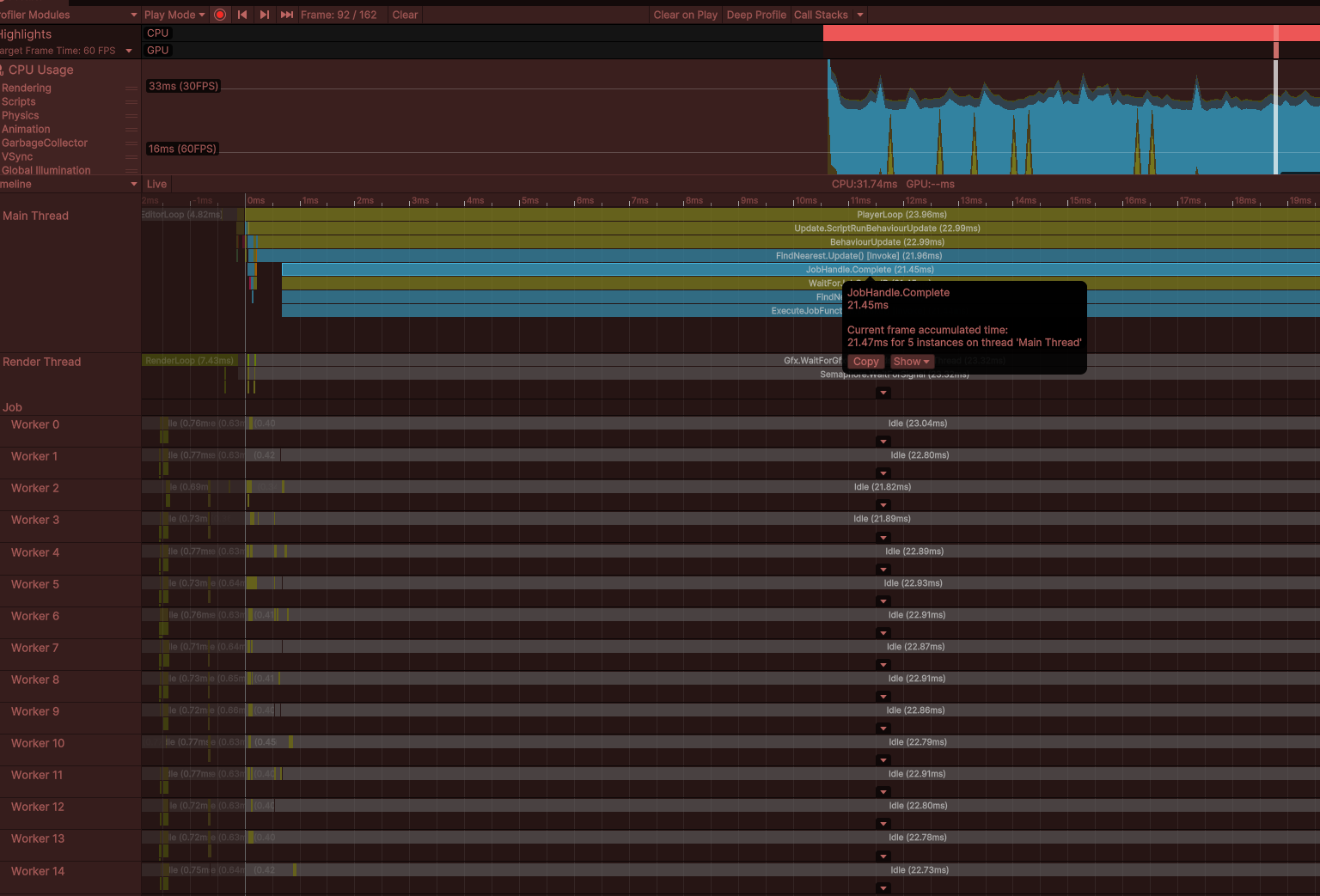
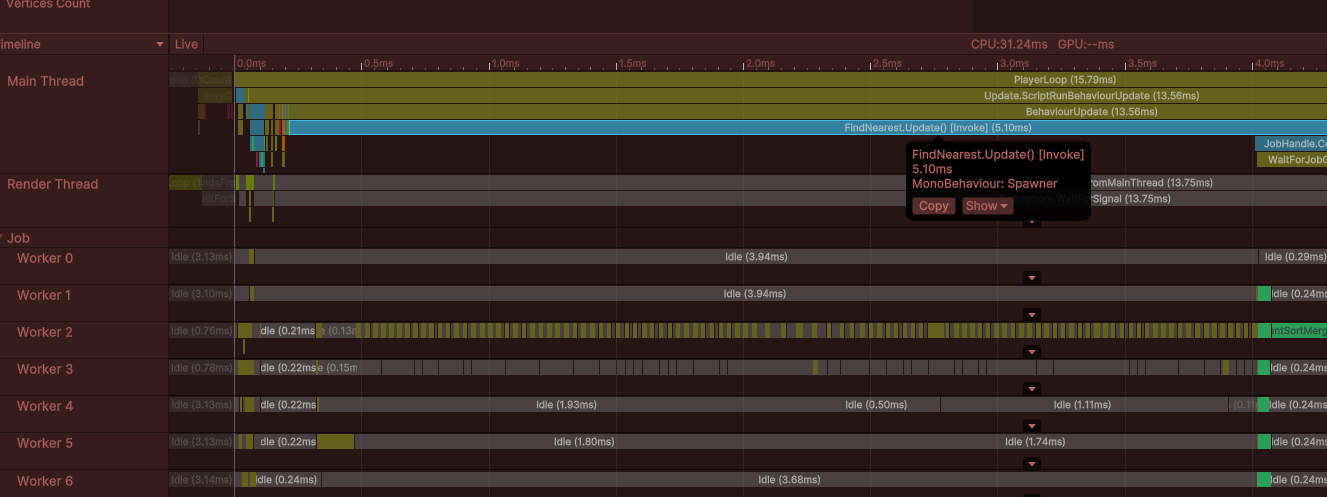
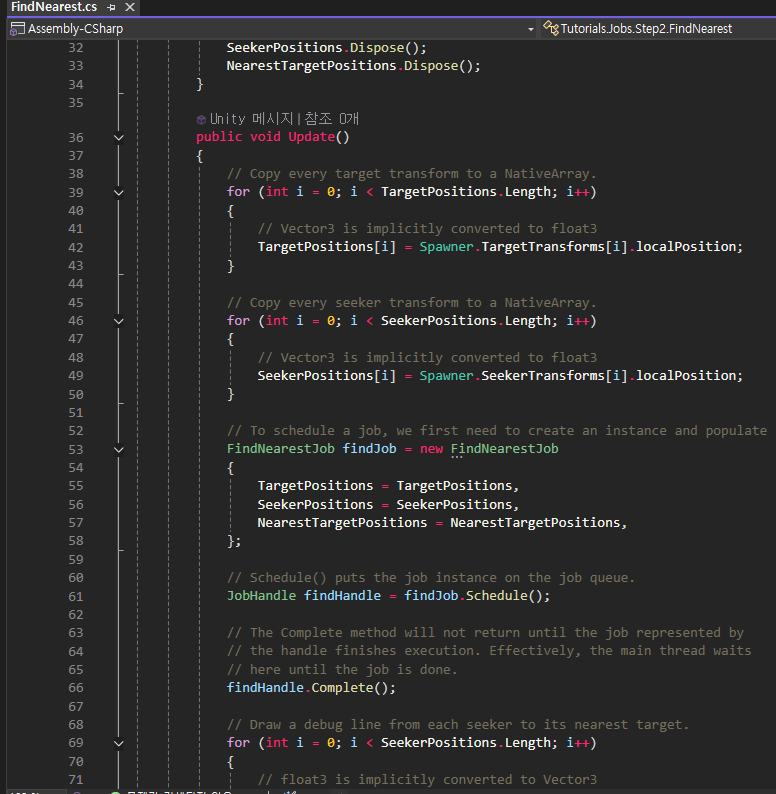
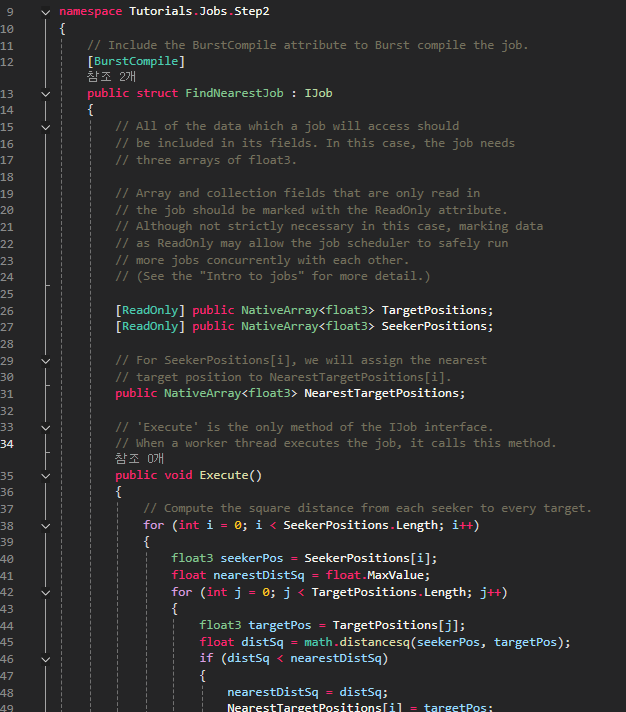
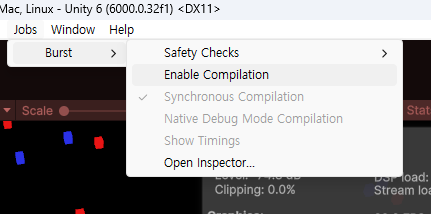
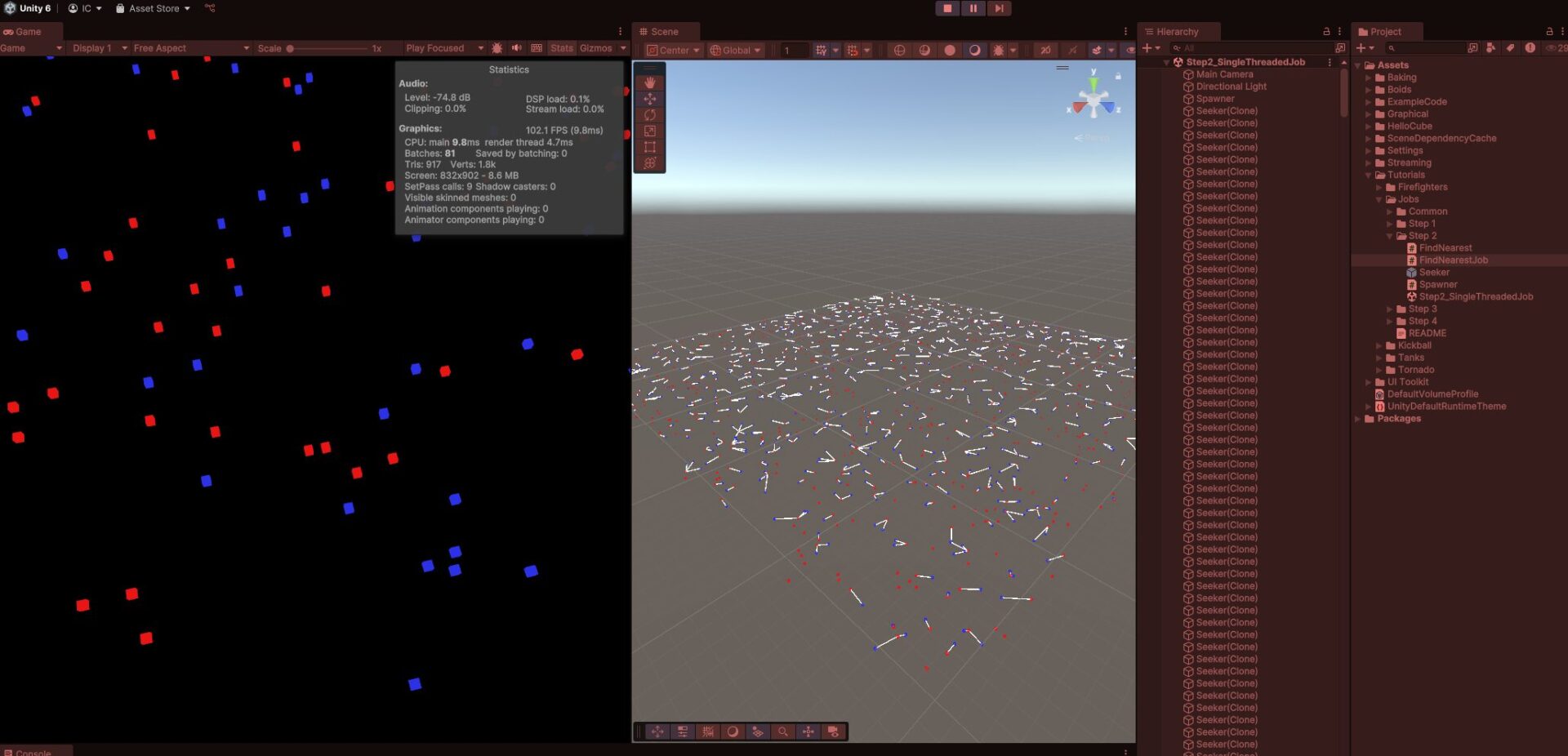
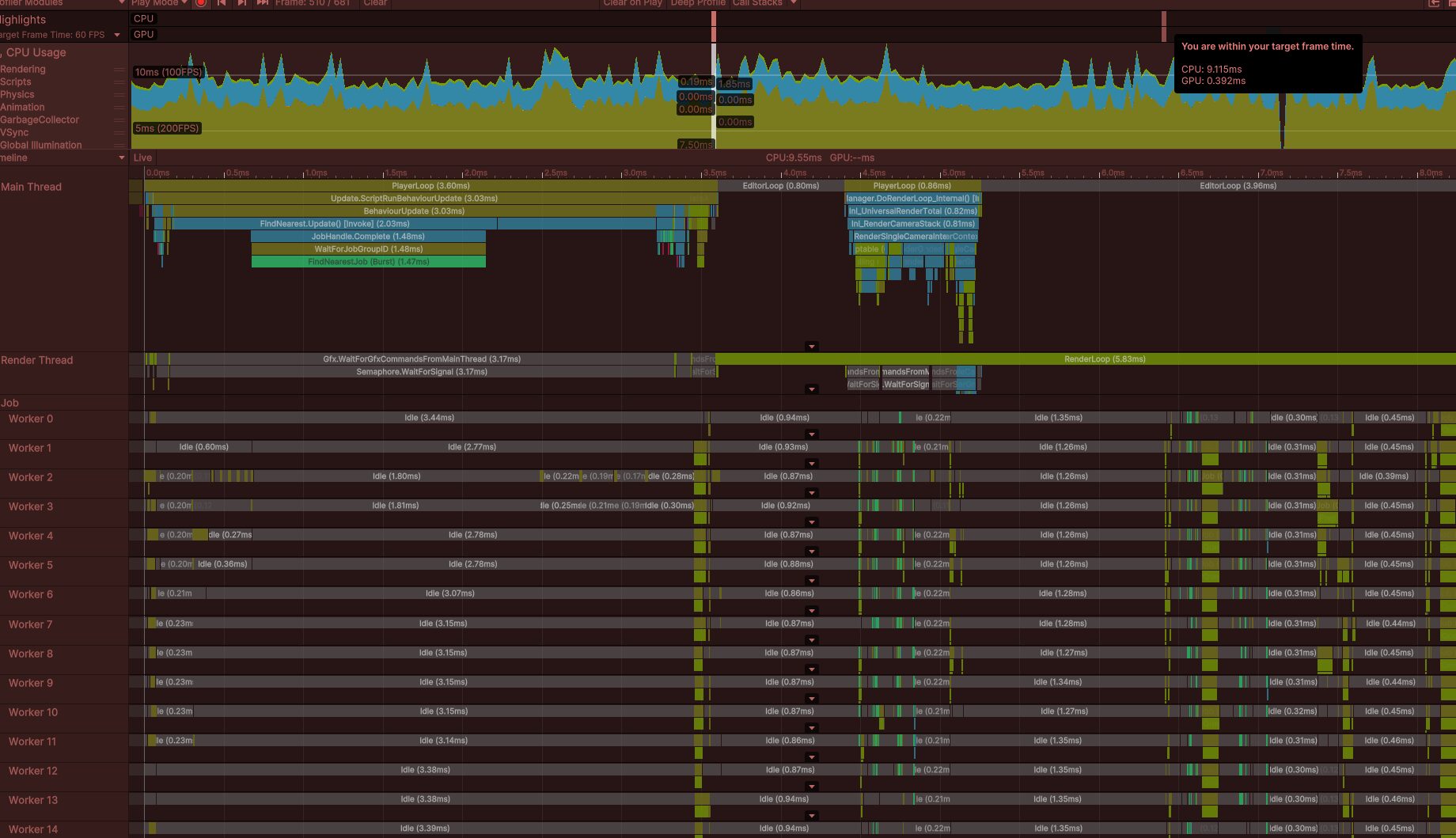
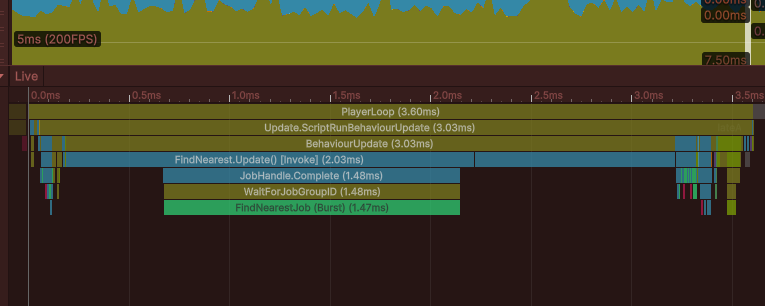
FindNearest 업데이트 자체는 아무것도 하지 않고 잡이 실행 및 완료될 것을 기다리고 있음
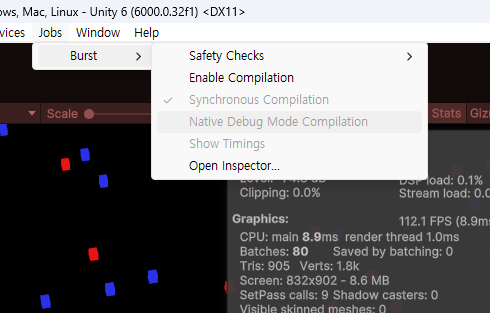
Step 1 보다 성능이 향상된 원인은 Step 1의 Seeker의 Update() 1000개에 대한 오버헤드가 발생되지 않음 (오직 1개)
트랜스폼을 순회할 때 메모리를 건너 뛰면서 트랜스폼에 액세스했는데 이는 캐시에 부하주는 작업을 배열로 변경하여 성능을 향상시킴
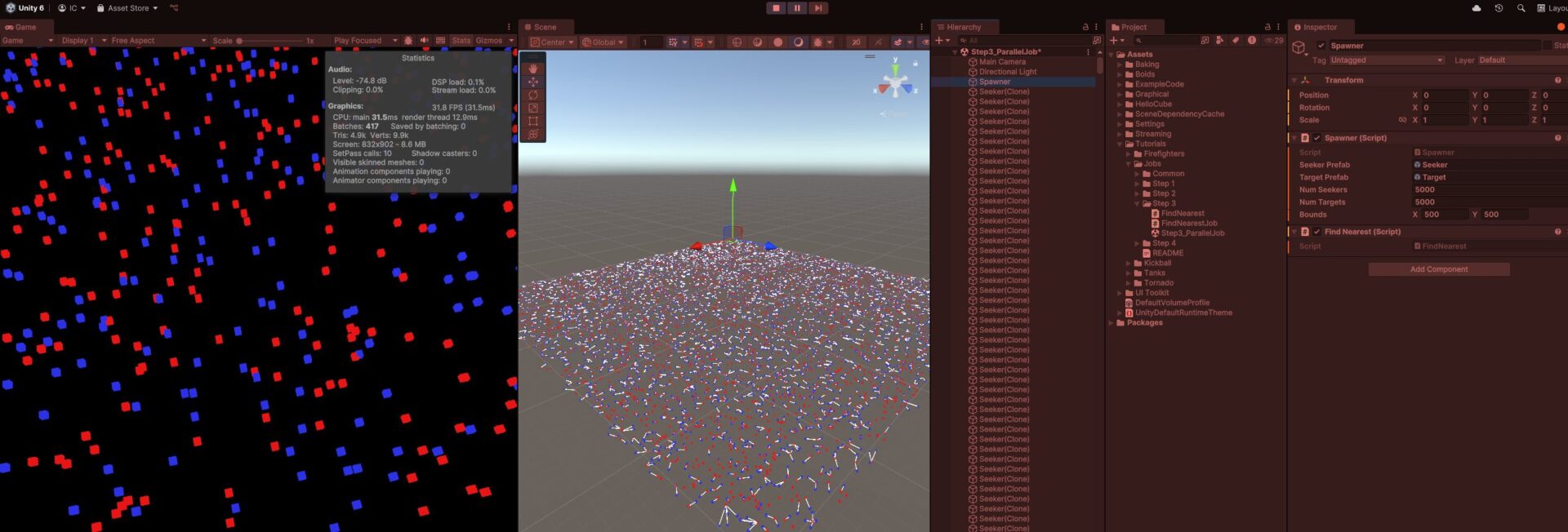
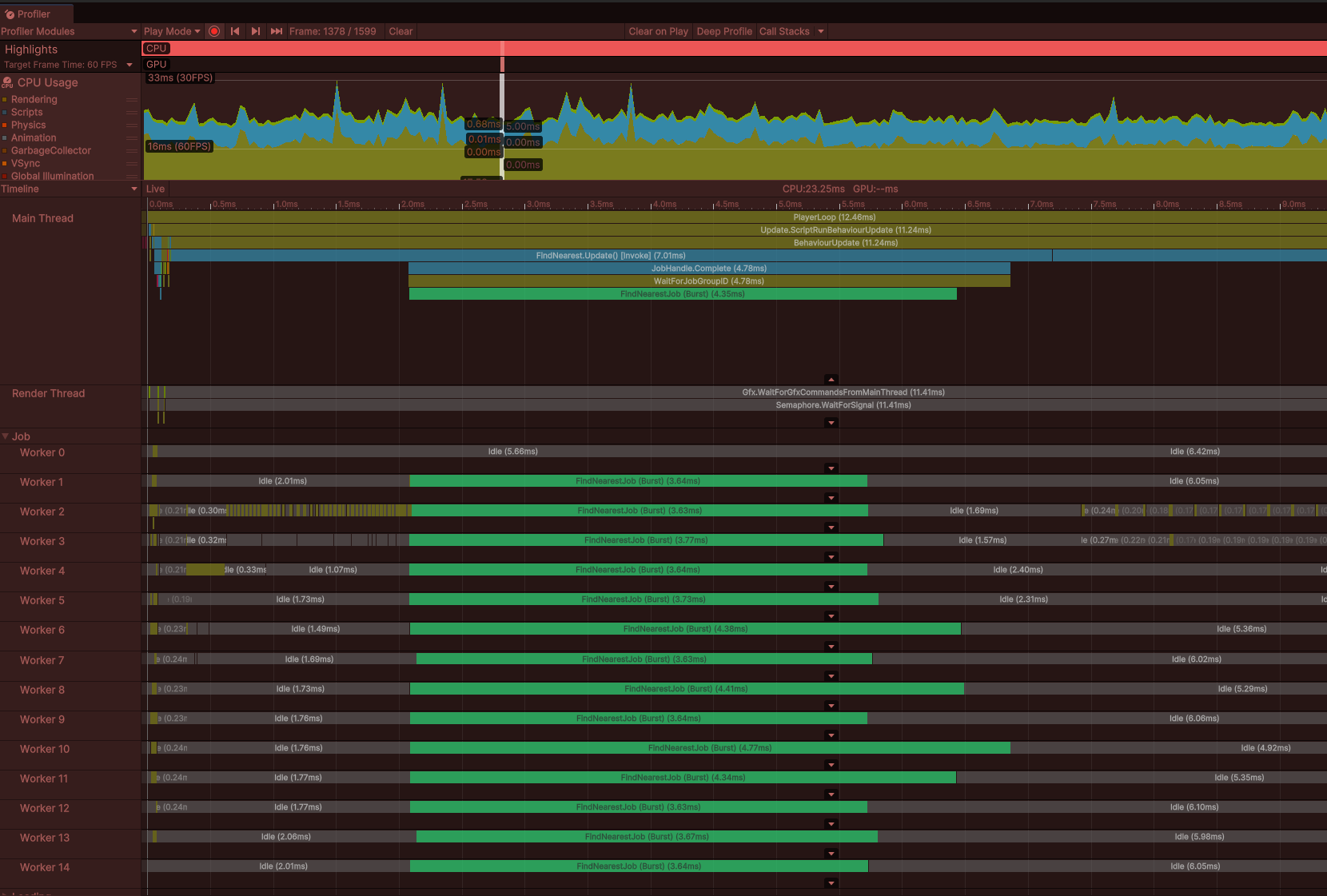
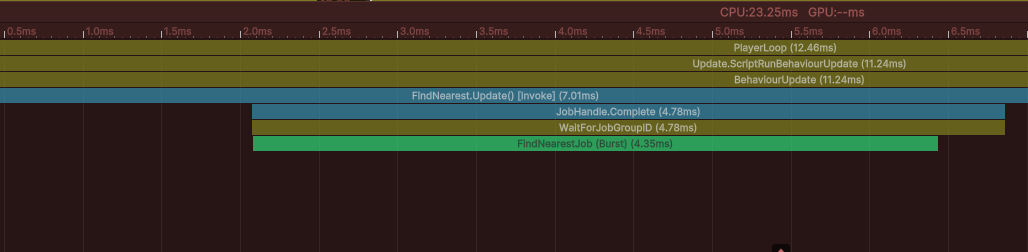
Step 3. Scene - ParallelJob
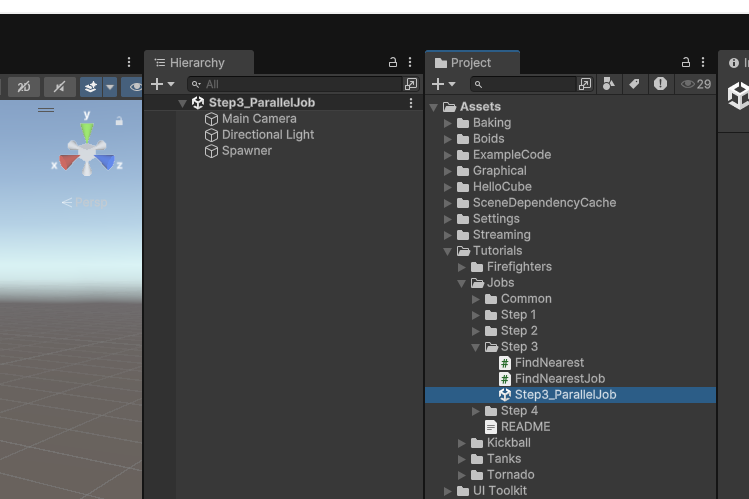
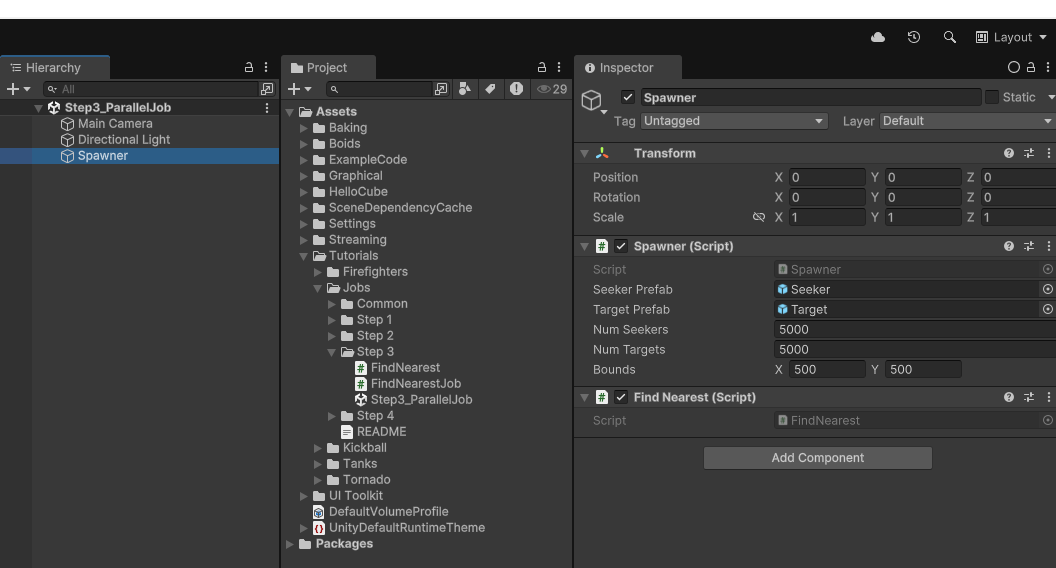
일반적인 브루트 포스 순회 방법, 하나의 FindNearest에서 Target과의 거리를 확인
FindNearest.cs
using Spawner = Tutorials.Jobs.Step2.Spawner;
using Unity.Collections;
using Unity.Jobs;
using Unity.Mathematics;
using UnityEngine;

namespace Tutorials.Jobs.Step3
{
    // Exactly the same as in prior step except this schedules a parallel job instead of a single-threaded job.
    public class FindNearest : MonoBehaviour
    {
        NativeArray<float3> TargetPositions;
        NativeArray<float3> SeekerPositions;
        NativeArray<float3> NearestTargetPositions;

        public void Start()
        {
            Spawner spawner = GetComponent<Spawner>();
            TargetPositions = new NativeArray<float3>(spawner.NumTargets, Allocator.Persistent);
            SeekerPositions = new NativeArray<float3>(spawner.NumSeekers, Allocator.Persistent);
            NearestTargetPositions = new NativeArray<float3>(spawner.NumSeekers, Allocator.Persistent);
        }

        public void OnDestroy()
        {
            TargetPositions.Dispose();
            SeekerPositions.Dispose();
            NearestTargetPositions.Dispose();
        }

        public void Update()
        {
            for (int i = 0; i < TargetPositions.Length; i++)
            {
                TargetPositions[i] = Spawner.TargetTransforms[i].localPosition;
            }

            for (int i = 0; i < SeekerPositions.Length; i++)
            {
                SeekerPositions[i] = Spawner.SeekerTransforms[i].localPosition;
            }

            FindNearestJob findJob = new FindNearestJob
            {
                TargetPositions = TargetPositions,
                SeekerPositions = SeekerPositions,
                NearestTargetPositions = NearestTargetPositions,
            };

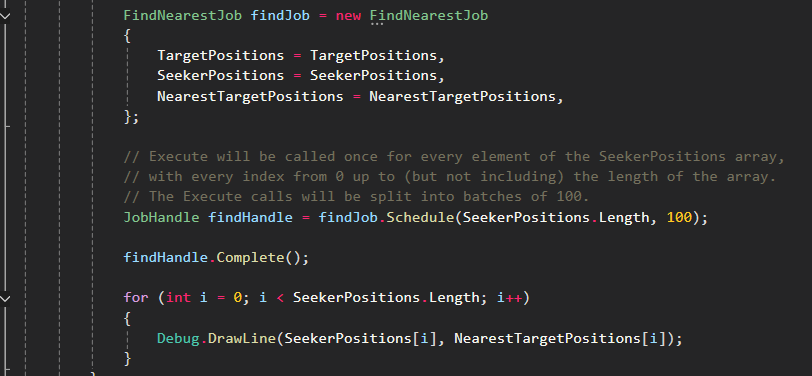
            // Execute will be called once for every element of the SeekerPositions array,
            // with every index from 0 up to (but not including) the length of the array.
            // The Execute calls will be split into batches of 100.
            JobHandle findHandle = findJob.Schedule(SeekerPositions.Length, 100);

            findHandle.Complete();

            for (int i = 0; i < SeekerPositions.Length; i++)
            {
                Debug.DrawLine(SeekerPositions[i], NearestTargetPositions[i]);
            }
        }
    }
}
FindNearestJob.cs
using Unity.Burst;
using Unity.Collections;
using Unity.Jobs;
using Unity.Mathematics;

namespace Tutorials.Jobs.Step3
{
    [BurstCompile]
    public struct FindNearestJob : IJobParallelFor
    {
        [ReadOnly] public NativeArray<float3> TargetPositions;
        [ReadOnly] public NativeArray<float3> SeekerPositions;

        public NativeArray<float3> NearestTargetPositions;

        public void Execute(int index)
        {
            float3 seekerPos = SeekerPositions[index];
            float nearestDistSq = float.MaxValue;
            for (int i = 0; i < TargetPositions.Length; i++)
            {
                float3 targetPos = TargetPositions[i];
                float distSq = math.distancesq(seekerPos, targetPos);
                if (distSq < nearestDistSq)
                {
                    nearestDistSq = distSq;
                    NearestTargetPositions[index] = targetPos;
                }
            }
        }
    }
}
Step 4. Scene - ParallelJob_Sorting
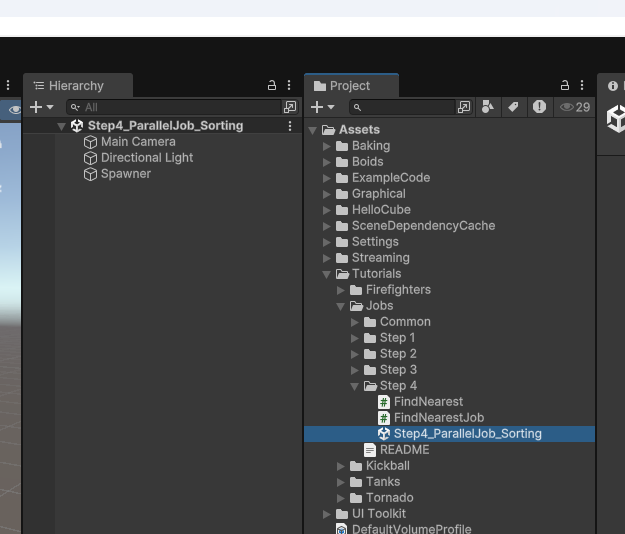
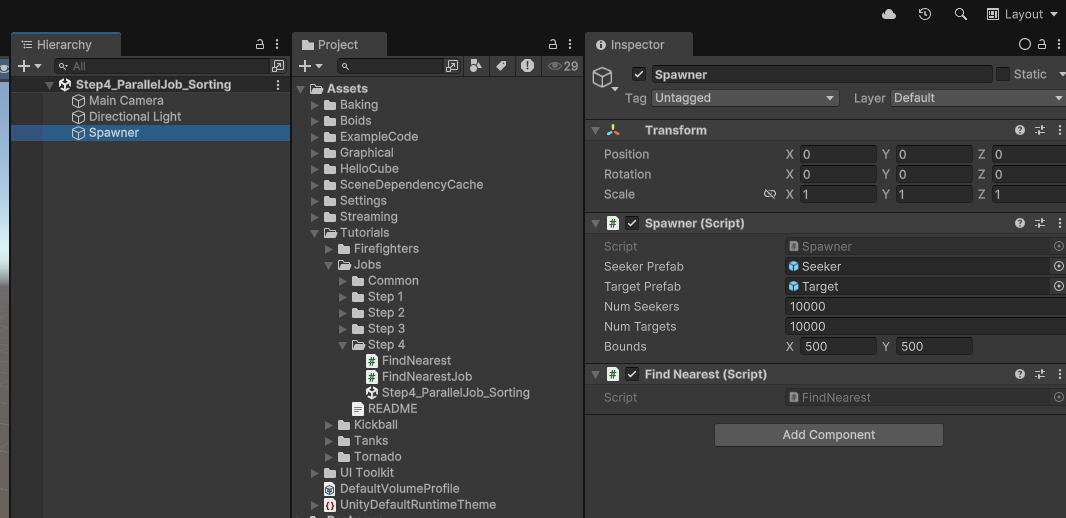
정렬을 이용한 병렬 작업
FindNearest.cs
using Unity.Collections;
using Unity.Jobs;
using Unity.Mathematics;
using UnityEngine;
using Spawner = Tutorials.Jobs.Step2.Spawner;

namespace Tutorials.Jobs.Step4
{
    public class FindNearest : MonoBehaviour
    {
        NativeArray<float3> TargetPositions;
        NativeArray<float3> SeekerPositions;
        NativeArray<float3> NearestTargetPositions;

        public void Start()
        {
            Spawner spawner = GetComponent<Spawner>();
            TargetPositions = new NativeArray<float3>(spawner.NumTargets, Allocator.Persistent);
            SeekerPositions = new NativeArray<float3>(spawner.NumSeekers, Allocator.Persistent);
            NearestTargetPositions = new NativeArray<float3>(spawner.NumSeekers, Allocator.Persistent);
        }

        public void OnDestroy()
        {
            TargetPositions.Dispose();
            SeekerPositions.Dispose();
            NearestTargetPositions.Dispose();
        }

        public void Update()
        {
            for (int i = 0; i < TargetPositions.Length; i++)
            {
                TargetPositions[i] = Spawner.TargetTransforms[i].localPosition;
            }

            for (int i = 0; i < SeekerPositions.Length; i++)
            {
                SeekerPositions[i] = Spawner.SeekerTransforms[i].localPosition;
            }

            SortJob<float3, AxisXComparer> sortJob = TargetPositions.SortJob(new AxisXComparer { });

            FindNearestJob findJob = new FindNearestJob
            {
                TargetPositions = TargetPositions,
                SeekerPositions = SeekerPositions,
                NearestTargetPositions = NearestTargetPositions,
            };

            JobHandle sortHandle = sortJob.Schedule();
            JobHandle findHandle = findJob.Schedule(SeekerPositions.Length, 100, sortHandle);
            findHandle.Complete();

            for (int i = 0; i < SeekerPositions.Length; i++)
            {
                Debug.DrawLine(SeekerPositions[i], NearestTargetPositions[i]);
            }
        }
    }
}
FindNearestJob.cs
using System.Collections.Generic;
using Unity.Burst;
using Unity.Collections;
using Unity.Jobs;
using Unity.Mathematics;

namespace Tutorials.Jobs.Step4
{
    [BurstCompile]
    public struct FindNearestJob : IJobParallelFor
    {
        [ReadOnly] public NativeArray<float3> TargetPositions;
        [ReadOnly] public NativeArray<float3> SeekerPositions;

        public NativeArray<float3> NearestTargetPositions;

        public void Execute(int index)
        {
            float3 seekerPos = SeekerPositions[index];

            // Find the target with the closest X coord.
            int startIdx = TargetPositions.BinarySearch(seekerPos, new AxisXComparer { });

            // When no precise match is found, BinarySearch returns the bitwise negation of the last-searched offset.
            // So when startIdx is negative, we flip the bits again, but we then must ensure the index is within bounds.
            if (startIdx < 0) startIdx = ~startIdx;
            if (startIdx >= TargetPositions.Length) startIdx = TargetPositions.Length - 1;

            // The position of the target with the closest X coord.
            float3 nearestTargetPos = TargetPositions[startIdx];
            float nearestDistSq = math.distancesq(seekerPos, nearestTargetPos);

            // Searching upwards through the array for a closer target.
            Search(seekerPos, startIdx + 1, TargetPositions.Length, +1, ref nearestTargetPos, ref nearestDistSq);

            // Search downwards through the array for a closer target.
            Search(seekerPos, startIdx - 1, -1, -1, ref nearestTargetPos, ref nearestDistSq);

            NearestTargetPositions[index] = nearestTargetPos;
        }

        void Search(float3 seekerPos, int startIdx, int endIdx, int step,
                    ref float3 nearestTargetPos, ref float nearestDistSq)
        {
            for (int i = startIdx; i != endIdx; i += step)
            {
                float3 targetPos = TargetPositions[i];
                float xdiff = seekerPos.x - targetPos.x;

                // If the square of the x distance is greater than the current nearest, we can stop searching.
                if ((xdiff * xdiff) > nearestDistSq) break;

                float distSq = math.distancesq(targetPos, seekerPos);

                if (distSq < nearestDistSq)
                {
                    nearestDistSq = distSq;
                    nearestTargetPos = targetPos;
                }
            }
        }
    }

    public struct AxisXComparer : IComparer<float3>
    {
        public int Compare(float3 a, float3 b)
        {
            return a.x.CompareTo(b.x);
        }
    }
}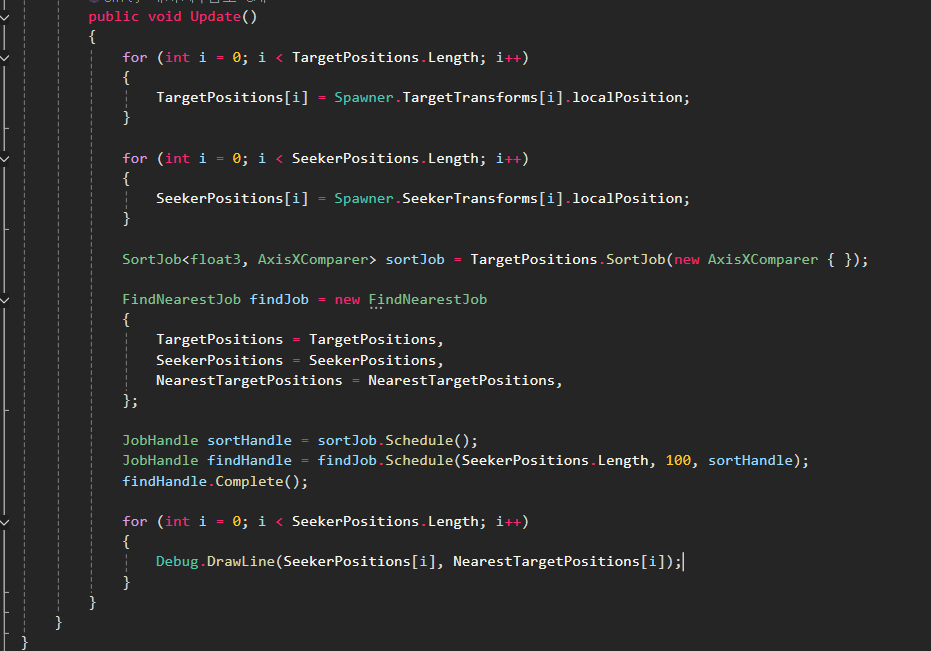
x축을 따라 TargetPositions를 정렬합니다
이어서 FindNearestJob에서 바이너리 검색을 통해 탐색기의 x 좌표와 가장 가까운 타겟의 위치를 찾고
그 인덱스 주위를 탐색해 가장 가까운 타겟을 찾습니다.
그러면 대부분의 경우 탐색기를 모든 타겟과 비교하는 대신 몇몇 타겟과만 비교하는 작업이 되어 더 간단합니다.

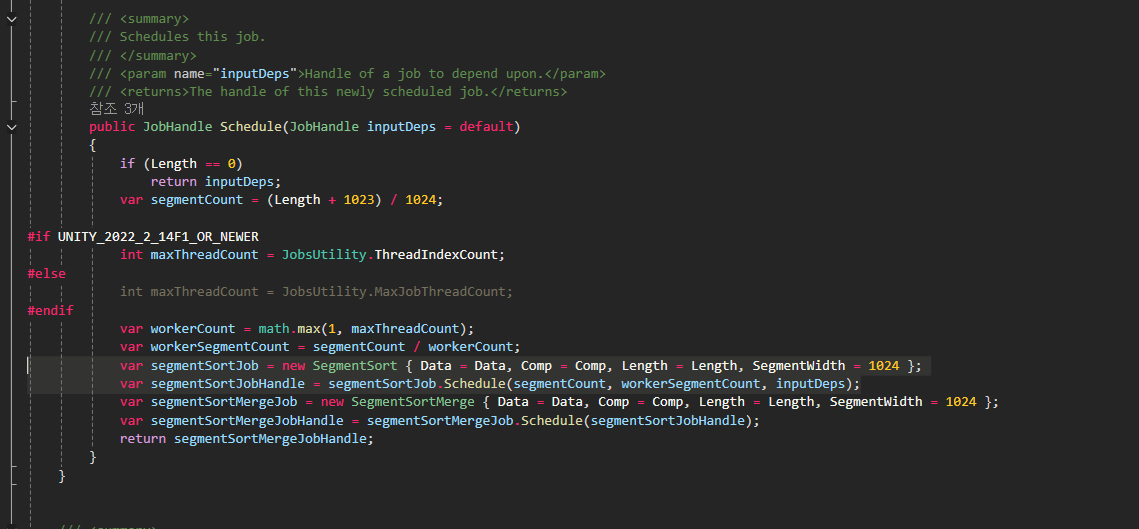
먼저 SortJob은 Collections 패키지의 네이티브 배열 확장 메서드로서 SortJob 구조체를 반환합니다.
그 구조체 자체는 잡이 아니지만 Schedule 메서드를 호출할 경우 하나가 아닌 두 개의 잡이 예약됩니다.
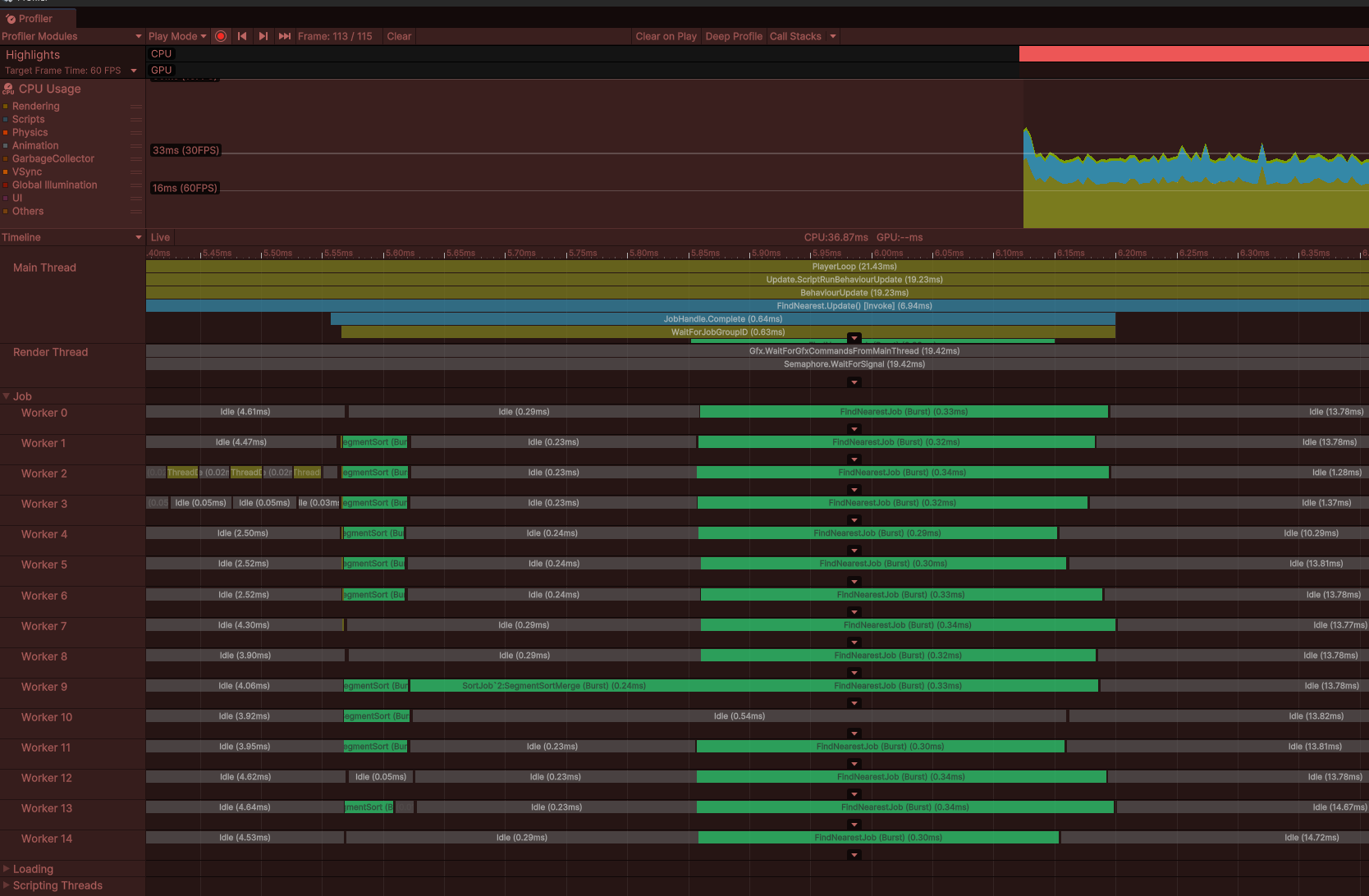
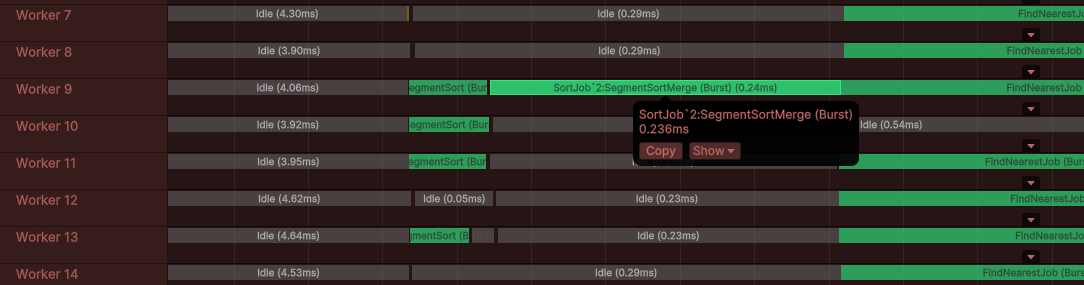
이 메서드는 먼저 segmentSortJob을 생성하고 예약하는데 이는 배열의 서로 다른 세그먼트를 독립적으로 정렬하는 병렬 잡입니다.
이후 두 번째 작업이자 싱글 스레드 작업이며 같은 배열 내 세그먼트들을 병합하는 SegmentSortMerge가 예약됩니다
이 두 잡은 기존 배열 내에서 MergeSort를 수행합니다.
결정적으로 두 번째의 병합 잡은 세그먼트 정렬이 완료될 때까지 기다려야 합니다.
그래서 두 번째 잡을 예약할 때 첫 번째 잡의 잡 핸들을 전달하면 첫 번째 잡은 두 번째 잡의 종속 관계가 됩니다.
잡이 종속 관계를 가질 경우 워커 스레드들은 그 종속 관계의 실행이 모두 완료될 때까지 해당 잡을 실행하지 않습니다.
둘 이상의 잡을 예약해야 하며 해당 잡들의 실행 순서를 지정해야 할 때는 종속 관계를 통해 그 순서를 정할 수 있습니다.
이 코드에서 FindNearestJob을 예약할 때 sortJob 핸들을 종속성으로 전달하는데 이는 MergeSort가 완료될 때까지
이 잡의 실행이 시작되어서는 안 되기 때문입니다.
이후 잡이 완료되면 잡의 모든 종속성도 묵시적으로 완료되므로 SegmentSort, SegmentMerge, FindNearestJob의 세 잡이 모두 완료됩니다.

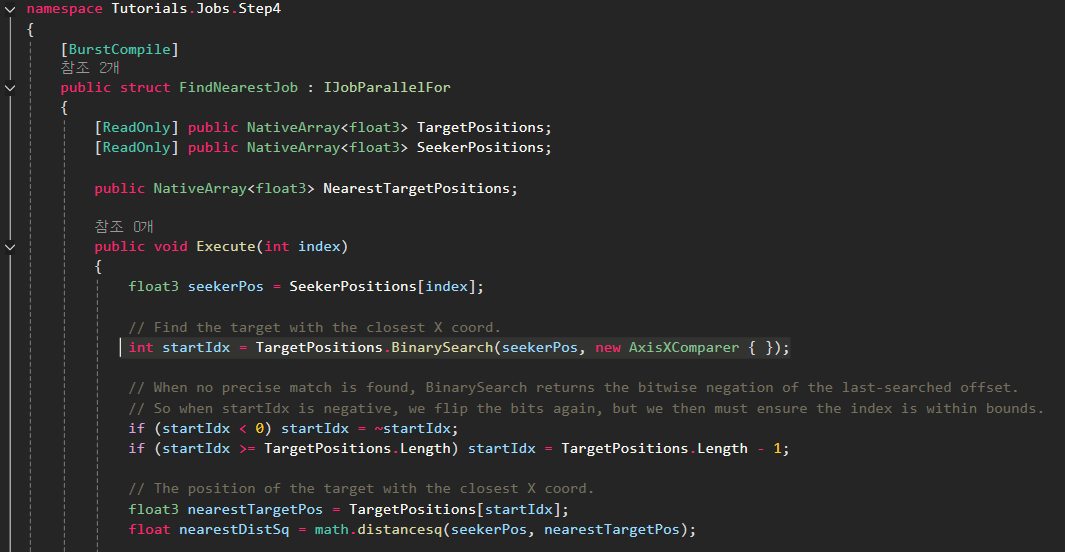
FindNearestJob을 보면 Collections 패키지의 네이티브 배열 확장 메서드인 BinarySearch를 호출하고 있습니다.
이는 단지 X 좌표와 비교해서 SeekerPos와 일치하는 TargetPositions 내 인덱스를 반환합니다.
대부분은 정확히 일치하는 결과를 찾을 수 없을 것이므로 반환되는 인덱스 값은 대부분 음수가 될 겁니다.
하지만 이 메서드에 숨겨진 요령이 있다면 반환된 인덱스 값의 비트를 뒤집어서 배열에서 가장 가까운 일치 값의 인덱스를 얻을 수 있다는 겁니다.
해당 값을 고정해서 범위 내에 있게 하면 됩니다.
이제 x 좌표가 탐색기의 x 좌표와 가장 가까운 타겟의 인덱스를 알아냈지만 타겟을 위아래로 검색하여 탐색기와 더욱 가까운 타겟이 존재하지 않는지 확인합니다.
이 검색에서 중요한 요령은 x 좌표값의 차이가 지금까지 찾아낸 최단 거리보다 더 클 경우 검색을 중단할 수 있다는 겁니다.
TargetPositions가 x 좌표에 따라 정렬되니까요
이 임곗값을 넘고 나면 해당 임곗값 반대편에 존재하는 모든 후보들은 우리가 이미 찾아낸 후보보다 더 가까이에 있을 수 없습니다.